Set up customer support by defining what help you provide, choosing a small number of channels customers can actually use, assigning ownership and response priorities, preparing verified answers for recurring questions, creating an escalation path, recording enough context to continue the conversation, and feeding repeated issues back into the business.
Define the support promise before opening channels
State supported hours, languages, usual response window, types of help, required customer information, and what counts as urgent. Do not publish “24/7 support” unless the operation can deliver it. If safety, fraud, privacy, or time-critical service issues require different handling, define that path explicitly.
Align the promise with the website, product page, order confirmation, delivery terms, and operations plan. Support cannot repair a promise the operation was never designed to keep.
Choose fewer channels and make them obvious
Select channels based on customer behavior and the information involved. Email suits detailed, traceable requests. Messaging can suit quick conversations but creates expectations about speed. Phone or video may fit complex or sensitive cases. Public social replies should move personal account details into an appropriate private channel.
For each channel, define its purpose, owner, hours, notification method, fallback, and record location. Avoid opening every inbox before you can monitor it. A customer should not need to repeat the issue because one channel has no access to the context from another.
Create a simple request workflow
- Receive: acknowledge the request and capture customer, product/order, issue, urgency, and preferred contact.
- Classify: question, change, defect, delivery, return, billing, access, complaint, or another useful category.
- Own: assign one person and the next action; shared ownership often means no ownership.
- Resolve or escalate: use defined authority, specialist help, and response deadlines.
- Confirm: tell the customer what changed or what will happen next.
- Close and learn: record the outcome and tag a recurring cause.
Set a safe identity-verification method before discussing account or order information. Collect only the data required, restrict access, and follow the privacy, consumer, retention, and industry obligations that apply in the relevant markets.
Prepare answers without making support robotic
Write short saved responses for recurring questions, but treat them as reviewed starting points. Include the direct answer, any required steps, the current policy or source, and a path for exceptions. Personalize the facts and never paste internal notes or another customer’s information.
Build a small knowledge base from verified public answers: delivery expectations, returns, account access, product use, compatibility, care, and contact routes. Keep product descriptions and policies consistent so support is not forced to resolve contradictions created by the website.
Use support as an operating signal
Track request volume by reason, first meaningful response time, unresolved age, escalations, repeat contacts, and preventable causes. A fast first reply that does not move the issue forward is not a resolution. Read representative conversations alongside the numbers.
Route the finding to its owner. Repeated pre-sale questions may require clearer product descriptions; delivery complaints may require a supplier or process change; access confusion may require a website correction. Tell customers when a promised follow-up is complete.
Run a support-readiness test before launch
Ask someone outside the setup work to find the contact path, submit a realistic question, receive an acknowledgement, and follow the case through resolution. Test outside normal conditions as well: a missing order reference, an unavailable owner, a delayed supplier, a return request, and a request containing sensitive information.
Confirm that notifications reach the right person, templates contain current facts, the customer receives a useful next step, and the record can be understood later. Fix the failed handoff before increasing demand. A polished inbox does not compensate for an unresolved ownership problem.
Connect support with the rest of the business
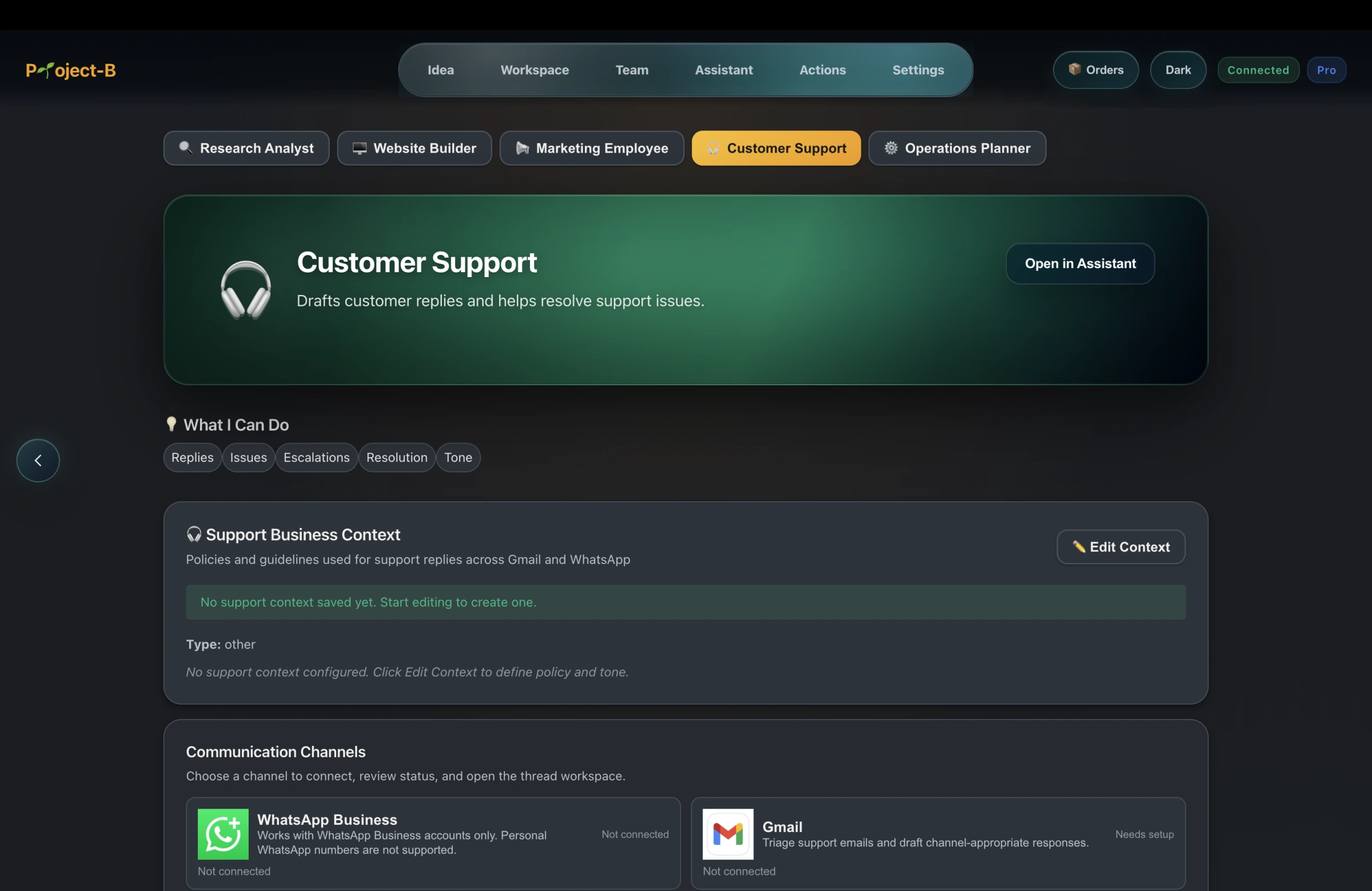
Project-B by Inciver is a Business Creation Platform whose Customer Support area supports Gmail and WhatsApp Business workflows within the connected business workspace. The contextual Assistant and shared business context can help a founder understand the surrounding work without treating every conversation as an isolated inbox item.
Human review remains essential for identity, privacy, policy exceptions, sensitive complaints, facts, and commitments. Project-B does not remove the need for appropriate access controls, channel terms, or market-specific obligations.