To write a useful SOP, choose one recurring task with a clear beginning and end, observe how it is actually performed, define the owner and required inputs, write numbered actions and decision branches, add completion and quality checks, explain exceptions and records, then ask another person to follow it exactly. Revise it from use.
Choose a process where consistency matters
Start with tasks that recur, create costly mistakes, affect customer trust, involve a handoff, or become difficult when one person is absent. “Run marketing” is too broad. “Review and approve next week’s social posts” is a workable procedure.
An operations plan shows how the whole business delivers. An SOP goes deeper into one task. A policy states a rule; a checklist confirms critical points; a work instruction may explain one technical action. Combine them only when it helps the person doing the work.
Document the real process before improving it
Watch the task from trigger to completion. Record the files, systems, permissions, inputs, decisions, handoffs, quality checks, and common failure points. Ask the person doing it to explain what they look for—not merely which button they press.
Separate current practice from the proposed improvement. If you write the ideal process from memory, hidden work disappears. First make the real flow visible; then remove unnecessary steps, clarify ownership, and design a safer future version.
Use a compact SOP structure
Title and outcome: what task ends in what result?
Trigger and scope: when does it start, and what is excluded?
Owner: who performs and who approves?
Inputs and access: what must be ready?
Steps: numbered actions using clear verbs.
Decisions: if X happens, do Y; otherwise continue.
Quality and completion: how is “done” checked?
Exceptions and escalation: when must work stop or move to someone else?
Record: what evidence is saved and where?
Review: owner and next review trigger or date.
Include screenshots or short video when the interface or physical movement matters, but keep the authoritative step and version clear. Never place passwords, secret keys, or unnecessary personal data inside an SOP.
Example: approve a scheduled social post
- Open the draft attached to the correct business and campaign.
- Confirm the objective, audience, channel, planned time, and destination link.
- Verify product facts, offer terms, availability, images, rights, and required disclosures against current sources.
- Check the preview for Facebook and Instagram separately.
- If a material fact is uncertain, return the post with the question; do not approve.
- If accurate and appropriate, record approval and confirm the schedule.
- After publication, record failure or exception signals for review.
This procedure protects approval quality. It should not dictate the entire marketing plan or how every creative decision is made.
Ask someone else to execute it
Give the SOP to a person with the intended level of knowledge. Ask them to think aloud while following only what is written. Notice ambiguous verbs, missing access, assumed knowledge, unsafe shortcuts, and unclear completion. Update the document, then approve the revision.
Assign one owner and review when the tool, requirement, supplier, product, or failure pattern changes. Archive obsolete versions where required and make the current version easy to find at the point of work. Measure errors, interruptions, rework, and time to competence—not the number of SOPs written.
Know when an SOP is the wrong tool
Do not write a fixed procedure for a one-time project, a decision that requires expert judgment on every case, or a process that is still changing daily. Use a project plan, decision principles, or a temporary checklist instead. A rigid SOP can preserve a bad process as efficiently as a good one.
Also avoid documenting around a broken control. If the task depends on shared passwords, unverified customer data, or an unofficial workaround, correct the underlying access or system problem first. Documentation should make safe work repeatable, not normalize risk.
Connect procedures to the operating context
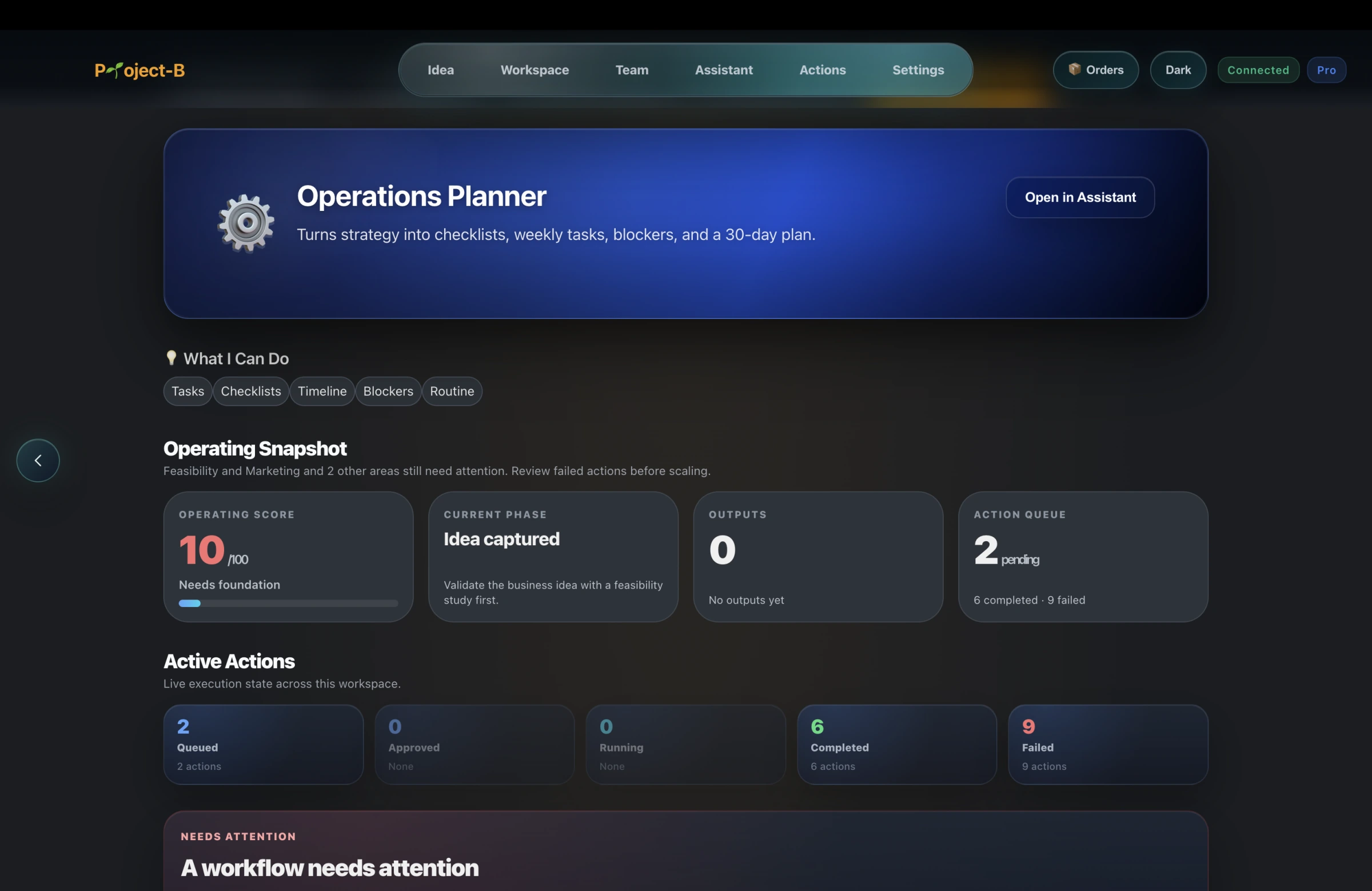
Project-B by Inciver is a Business Creation Platform with an Operations Planner and connected Assistant. It can help keep recurring work, business context, decisions, and supporting documents near one another as a founder moves from launch into operations.
Project-B does not certify an SOP or determine the legal, safety, privacy, or industry controls you need. The people responsible for the work must verify, test, approve, and maintain every procedure.